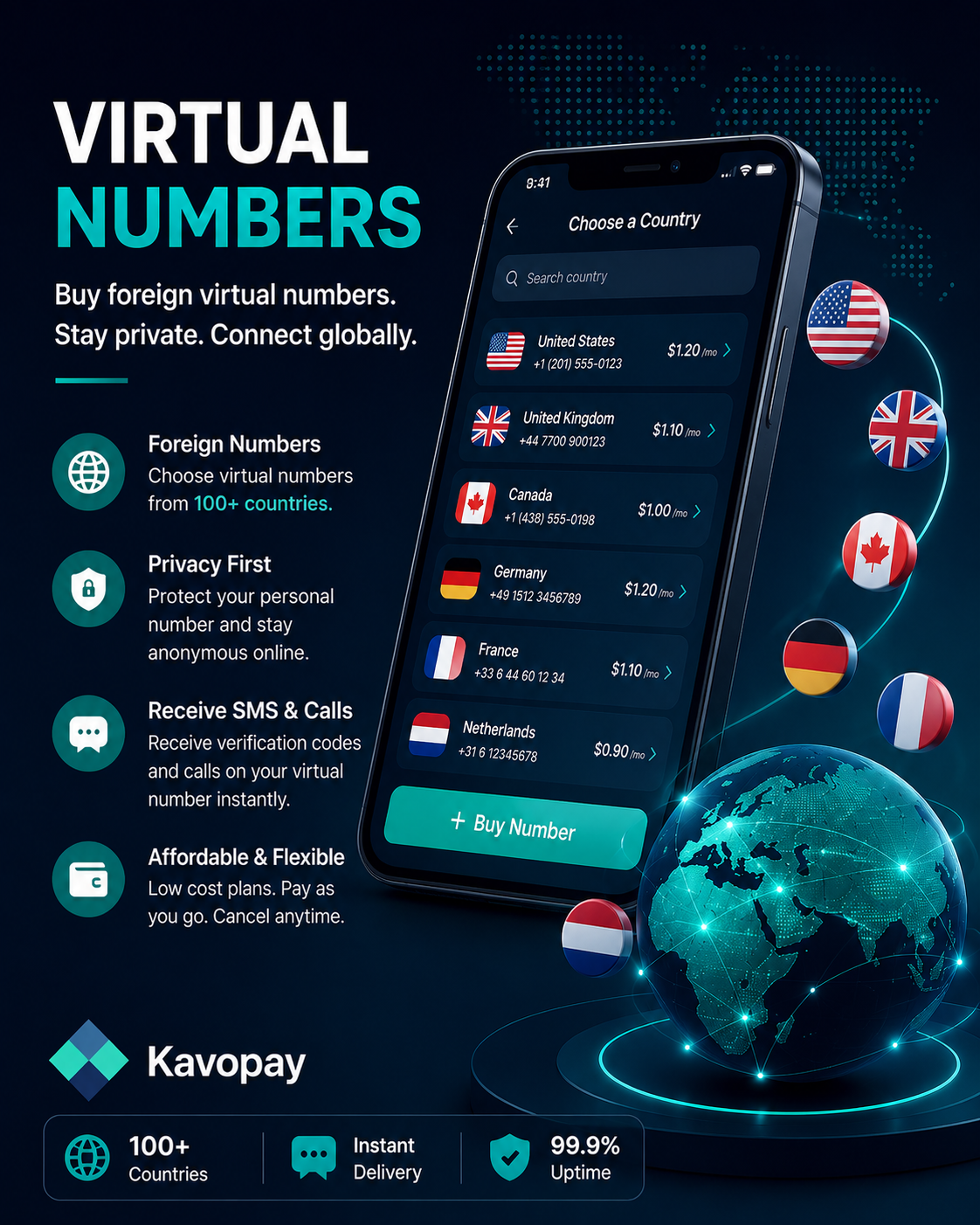
How to Get a Virtual Global Number
1
Sign in to Kavopay
Open the app and make sure your wallet has enough balance to cover the number you want.
2
Go to Virtual Numbers
From your dashboard menu, open the Virtual Numbers section.
3
Choose a country and service
Select the country you need a number from and the service or platform you're verifying (for example, a messaging app or a website sign-up).
4
Purchase the number
Confirm the price and tap Get Number. Enter your transaction PIN to complete the purchase.
5
Receive your verification code
Use the number to sign up or verify on the platform of your choice. The incoming SMS or OTP appears right inside Kavopay.
Tip: Numbers are typically valid for one active session or a short rental window, check the details shown before you purchase so it fits what you need.
Get Started Now