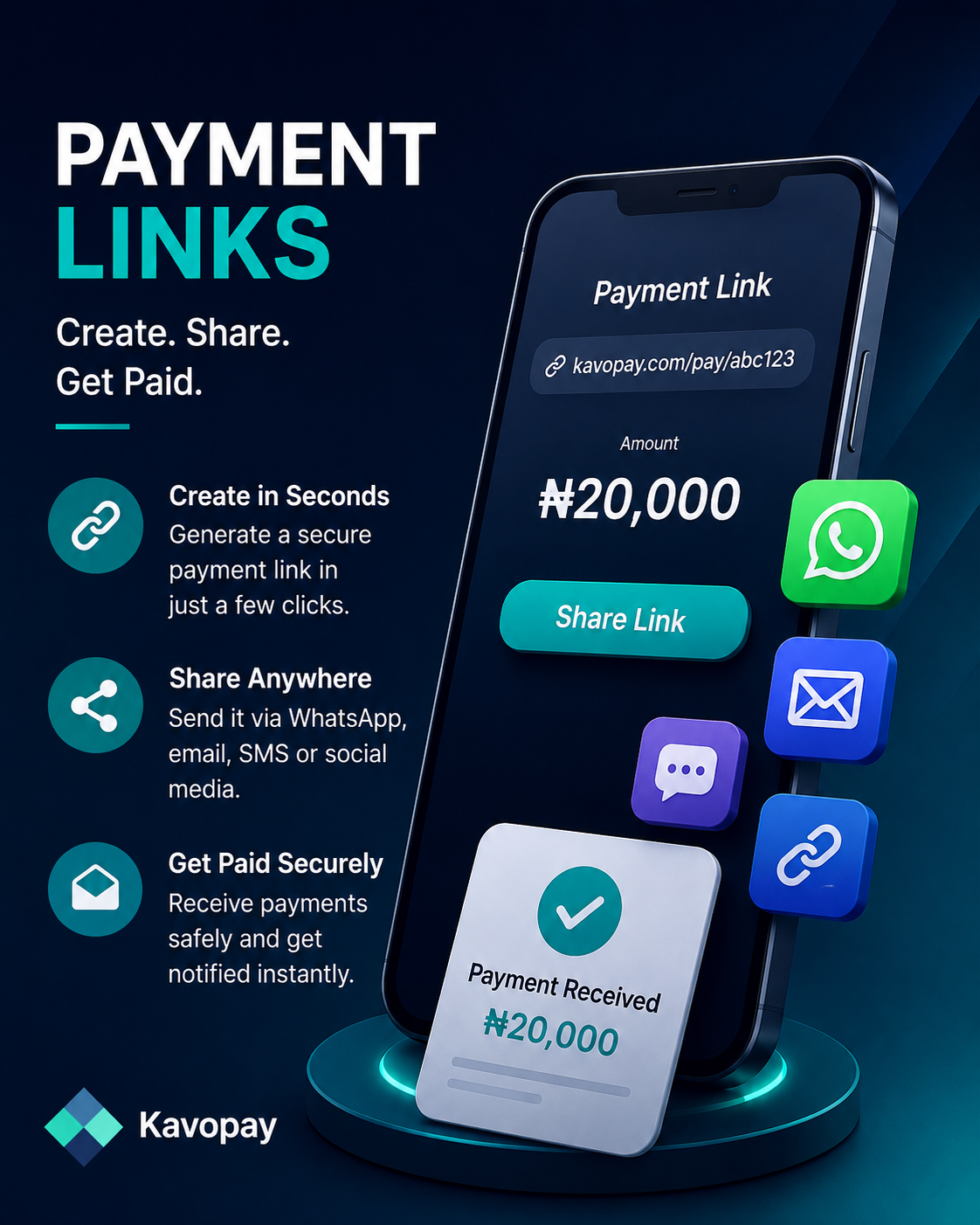
How to Create a Payment Link
1
Open the Kavopay app and sign in
Launch Kavopay and log in to your account. If you're new, create an account and complete your KYC verification first, this only takes a minute.
2
Tap "Pay Link" on your dashboard
From the home screen, find the quick action row under your wallet balance and tap Pay Link.
3
Enter the amount and details
Set the amount you want to collect, add a short description of what it's for, and choose the currency your customer will pay in.
4
Generate your link
Tap Create Link. Kavopay instantly generates a secure payment page you can share.
5
Share it and get paid
Copy the link or share it directly to WhatsApp, SMS, email, or social media. Once your customer pays, your wallet is credited automatically and you'll get a notification.
Tip: You can track every payment link you've created, along with its status (pending, paid, or expired), from the Pay Link history section on your dashboard.
Get Started Now