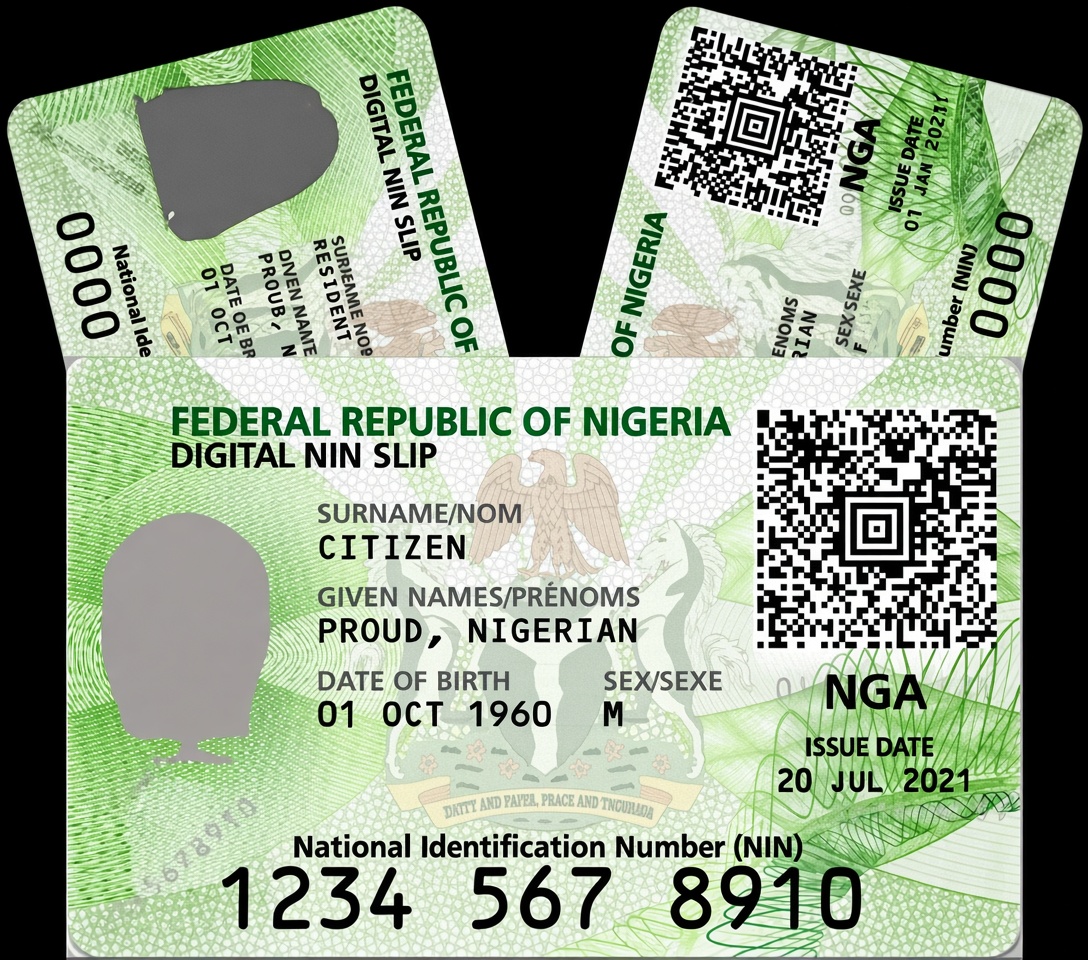
How to Get Your NIN Slip
Sign in and open NIN Services
From your dashboard, tap Get NIN Slip, or find NIN Services in your Utilities menu.
Verify your identity
Enter your 11-digit NIN, then complete a quick face verification to confirm it's really you. This keeps every slip secure and accurate.
Choose your slip type
Once verified, pick the slip that fits what you need, Premium, Standard, or Regular. See the differences below.
Select "Standard"
Tap the Standard option after your identity is verified.
Preview your card
You'll see your National Identification Number (NIN) laid out on the standard card format used for everyday verification.
Pay and download
Confirm the fee with your transaction PIN, then export it as a PDF.
Select "Regular"
Tap the Regular option after your identity is verified.
Preview your slip
Kavopay generates the official-format National Identification Number Slip (NINS), with your name, address, and NIN.
Pay and download
Confirm the fee with your transaction PIN, then export your slip as a PDF, ready to print.