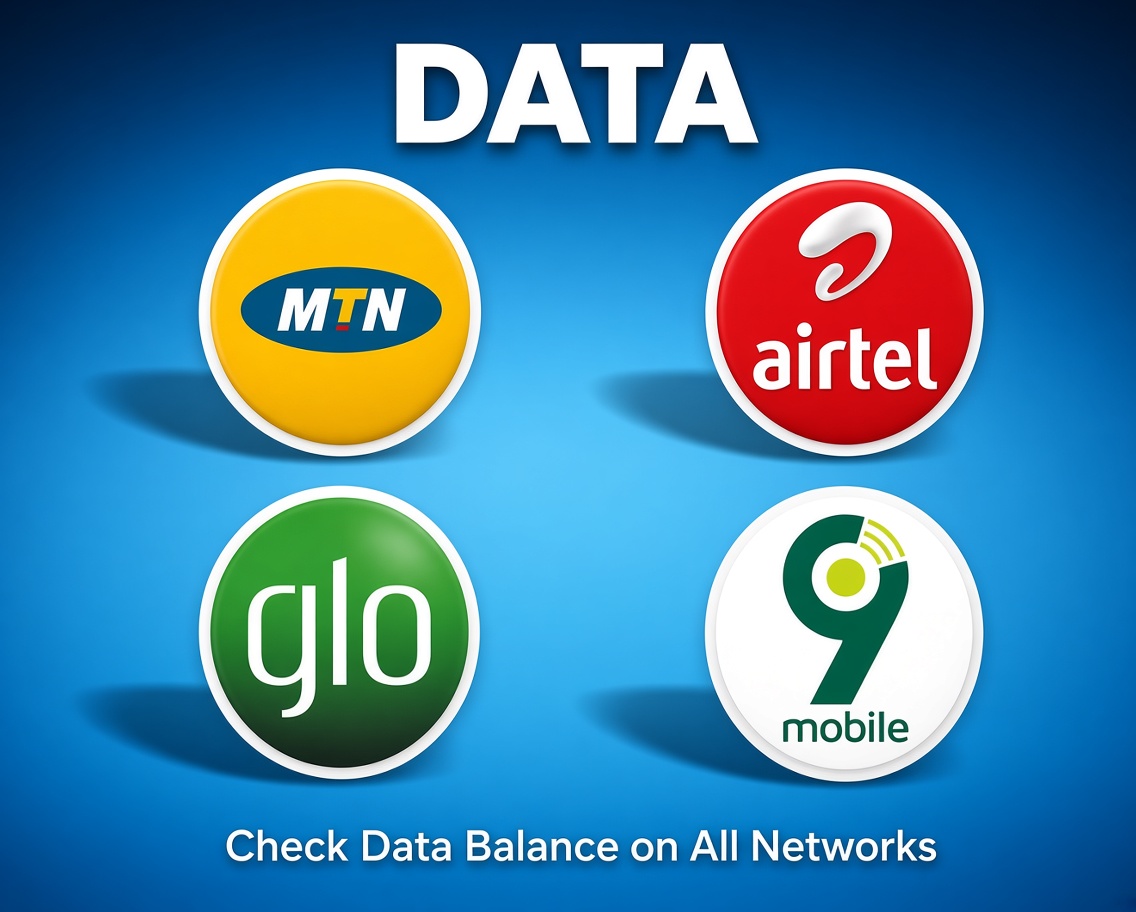
How to Buy Data
1
Sign in and check your balance
Open Kavopay and make sure your wallet is funded. If not, add funds first from your dashboard.
2
Tap "Utilities" then "Data"
From the quick actions row, tap Utilities and select Data. The "Buy Data Shap-shap" shortcut on your home screen also takes you straight there.
3
Choose the network and number
Select the network, or let Kavopay auto-detect it, then enter the phone number the data bundle should be applied to.
4
Pick a data plan
Browse the available bundles by size and validity (daily, weekly, or monthly) and select the one that fits your needs.
5
Confirm with your transaction PIN
Review the plan and price, enter your PIN, and your data is delivered instantly.
Tip: If a bundle ever fails to deliver, Kavopay automatically reconciles it or refunds your wallet, so you never lose your money.
Get Started Now